Everything for a daily habit, nothing in the way.
Read it your way
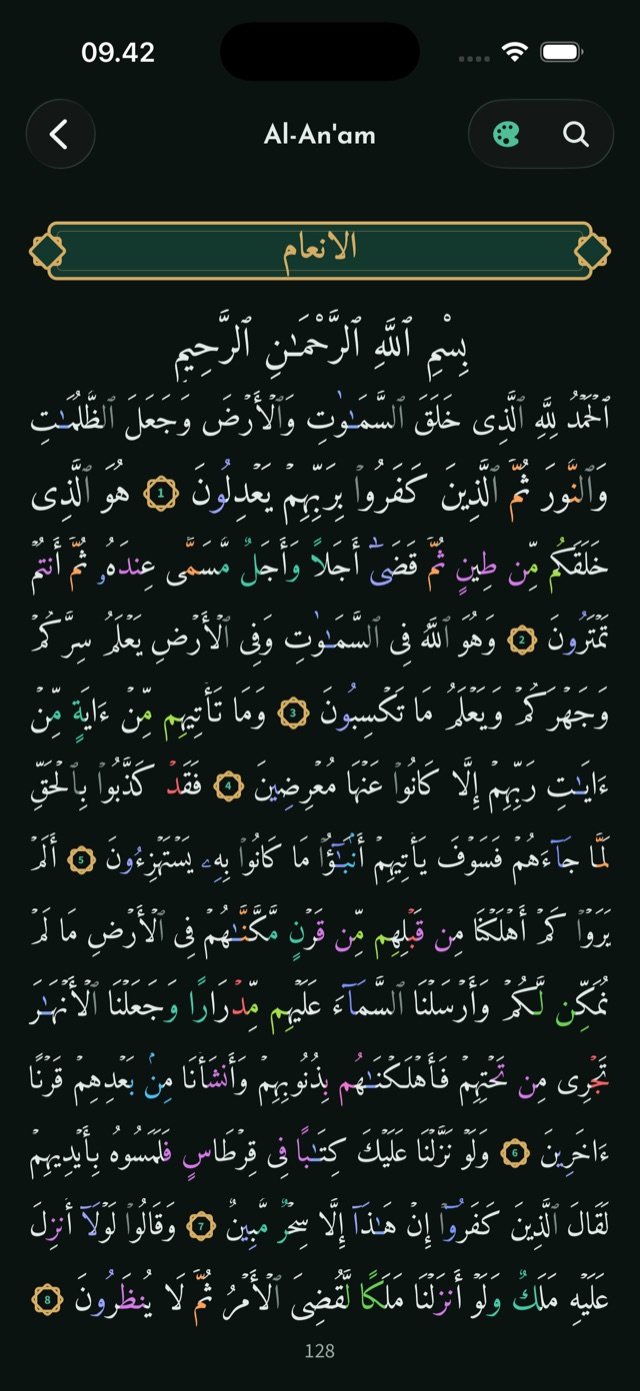
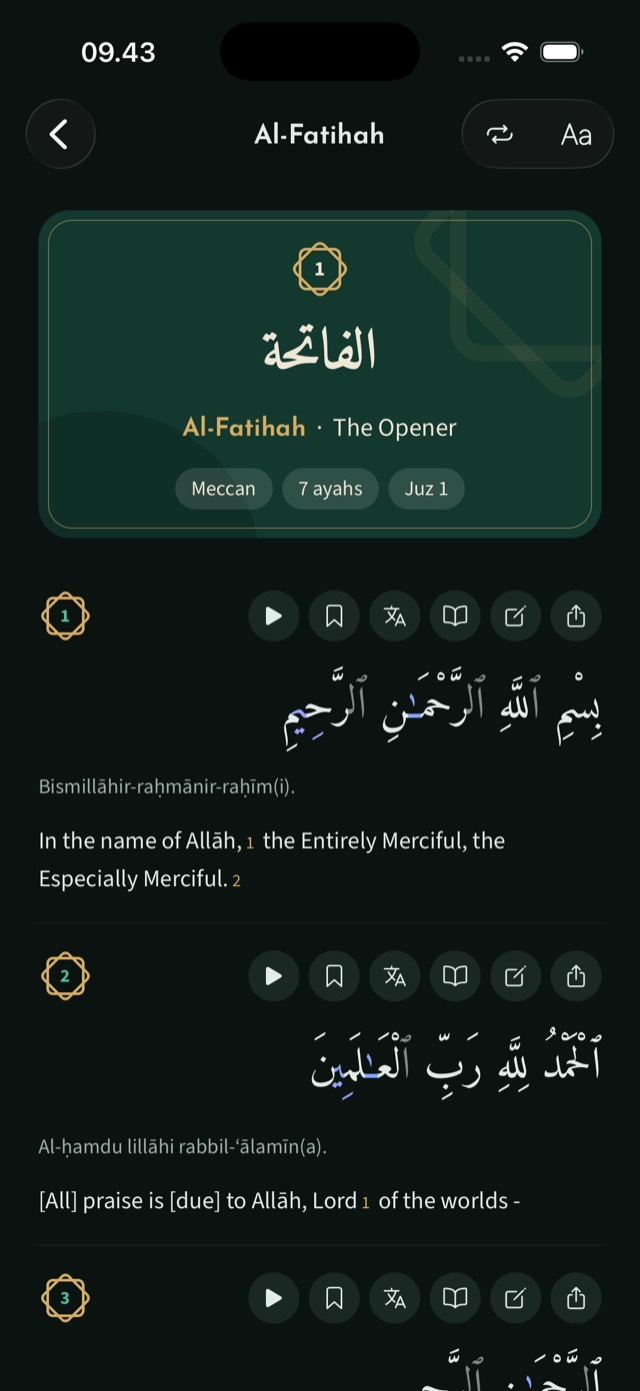
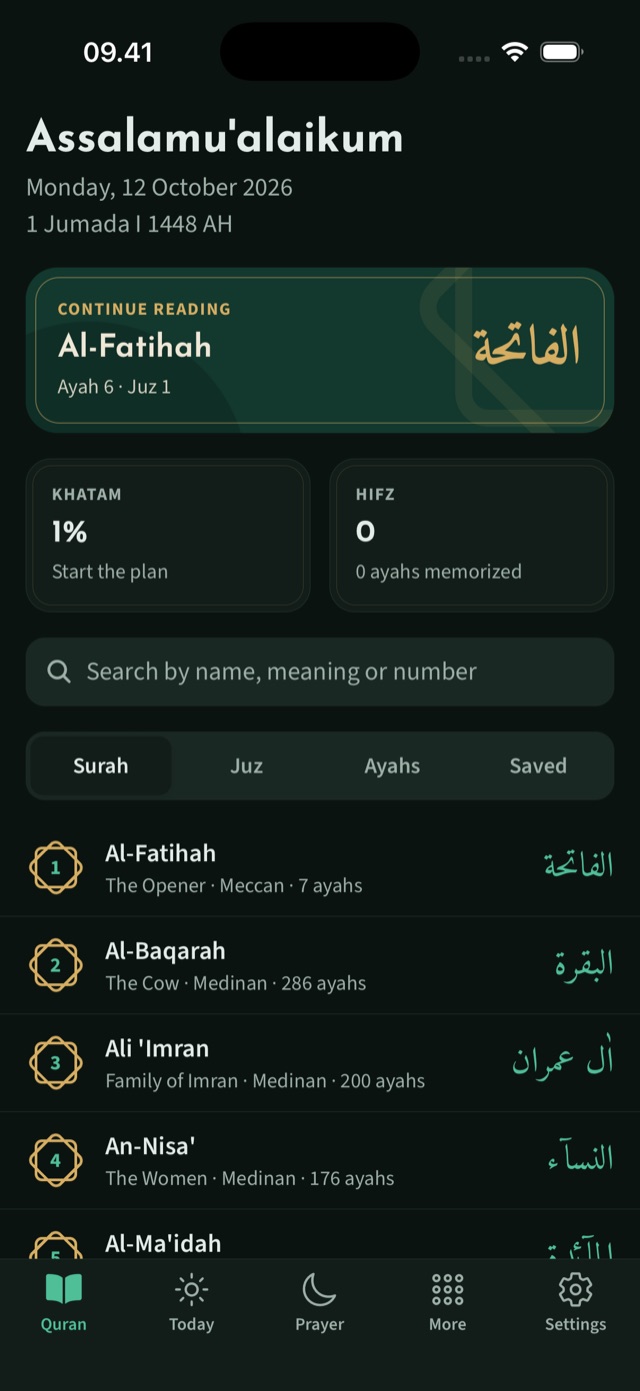
All 114 Surahs with Indonesian or English translation and transliteration, or all 604 pages of the Madani mushaf with justified lines and framed Surah titles. Swipe to turn the page.
Learn to read Arabic
A step-by-step 5-level curriculum: 28 letters with vowels (fathah, kasrah, dammah), connected letter shapes, tanwin, sukun, and authentic Quran words with audio pronunciation and interactive quizzes.
Tajweed you can tap
Every rule in its own colour, in the reader and on the mushaf page. Tap a letter to see the rule and how to say it. Word-by-word meanings and eight tafsir editions are one tap away.
27 reciters
Per-ayah audio with repeat, speed, a sleep timer and lock-screen controls. The next ayahs load ahead so playback flows. Background playback keeps going while you browse.
Listen offline
Download a Surah to listen without a network, or turn on the data saver for smaller files. Learn to read audio is bundled offline, and streamed ayahs are cached automatically.
Build the habit
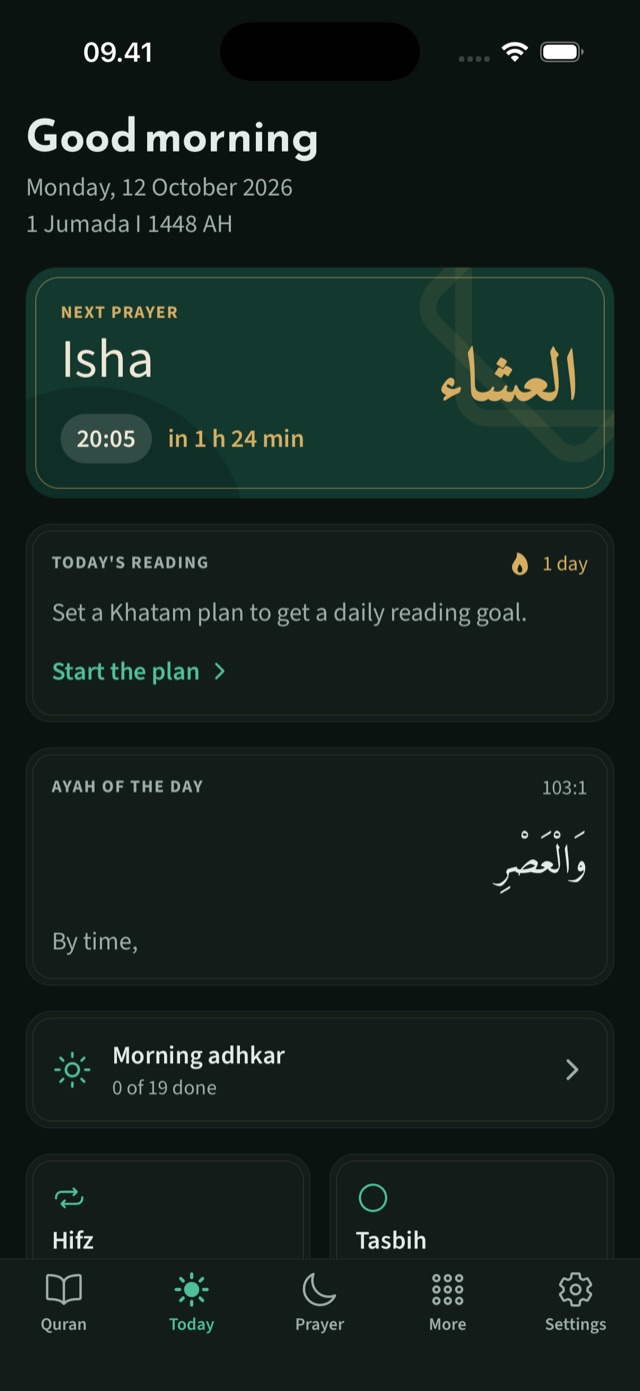
A Khatam plan with a daily goal and streak, Hifz practice that repeats and hides ayahs, and a Today screen that shows what is next.
Prayer and Ramadan
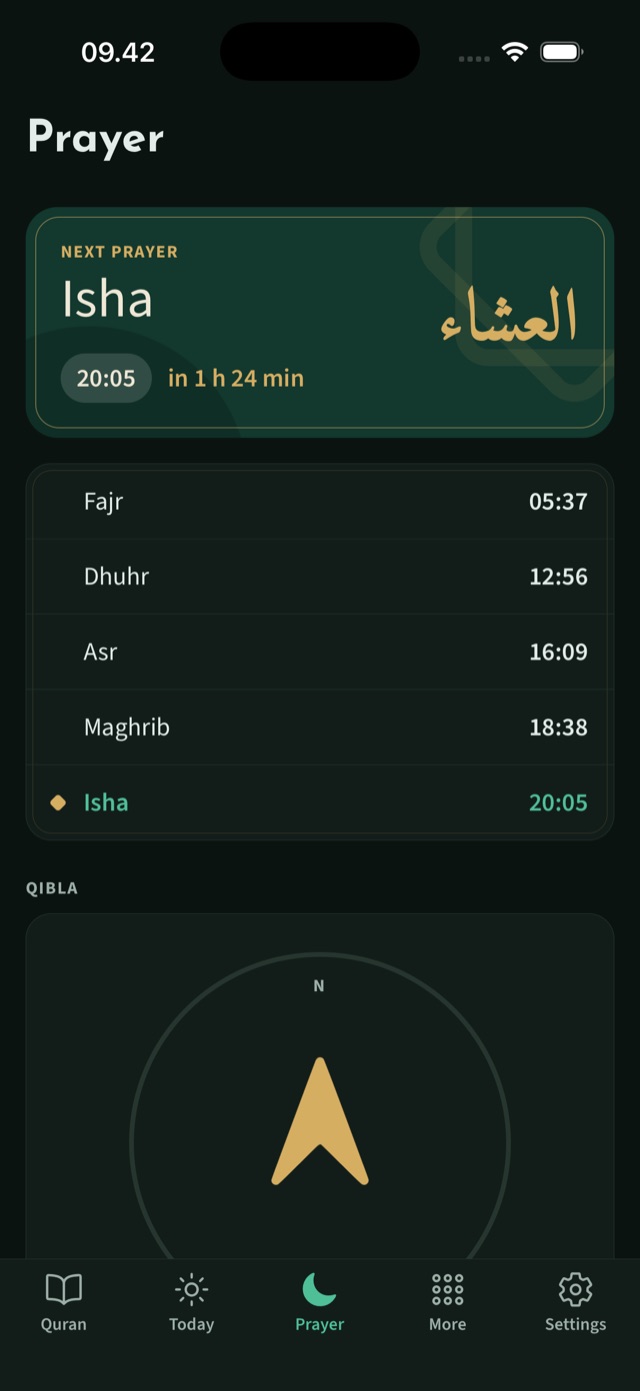
Prayer times for where you are, a Qibla compass and reminders. In Ramadan: a countdown to imsak and iftar, and suhoor and iftar reminders.
Adhkar and dua
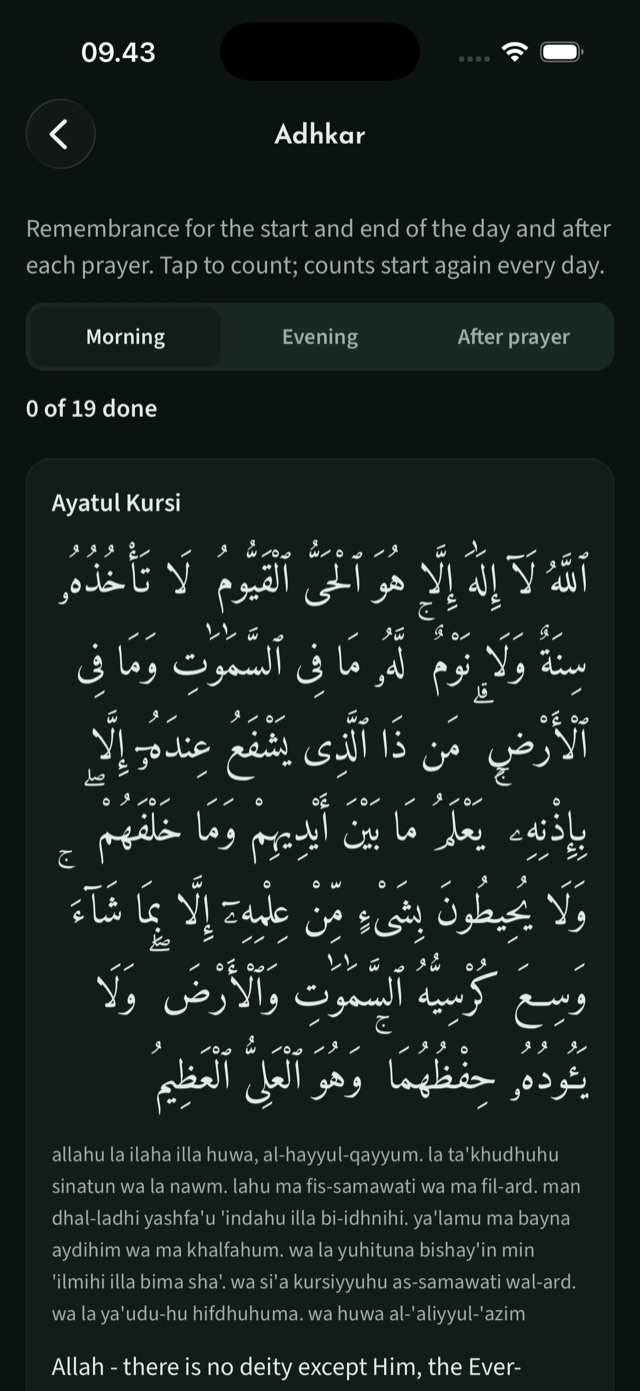
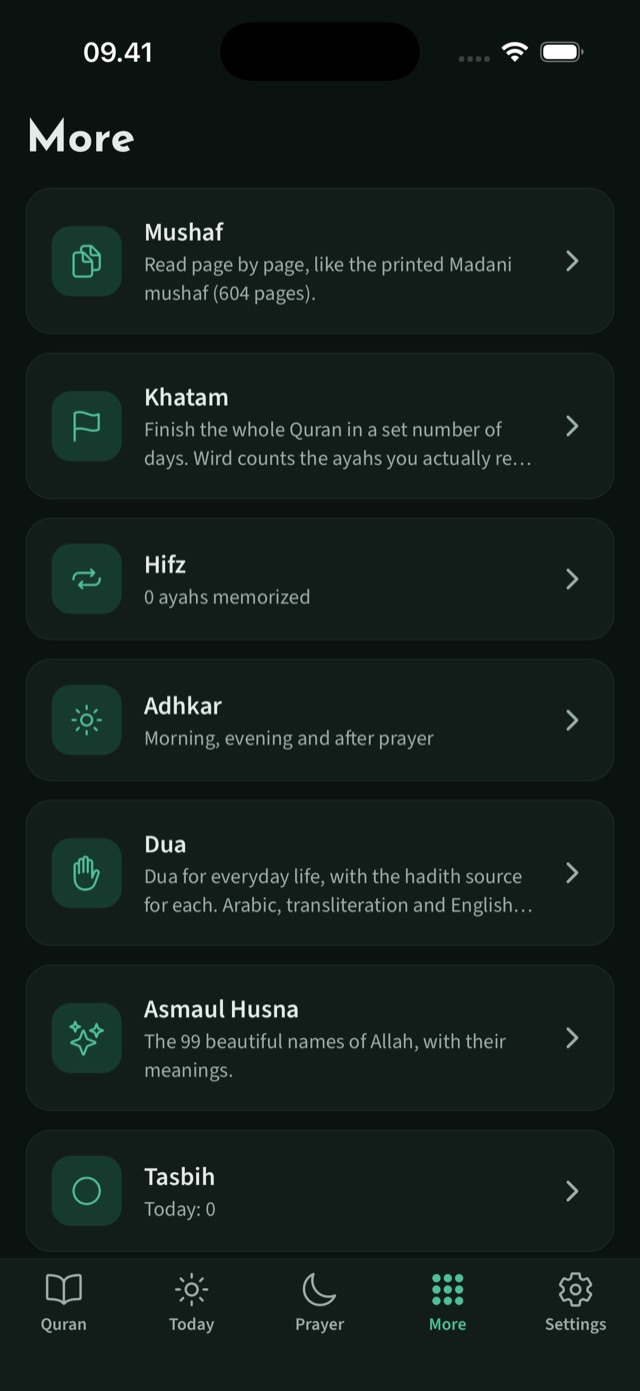
Morning, evening and after-prayer adhkar with counters that start again each day, everyday dua with their hadith sources, the 99 names of Allah and a tasbih counter.
Notes, collections, search
Write a note on any ayah, file bookmarks into collections, and search by name, number, Juz, or the meaning of an ayah. Share an ayah as an image.
Indonesian and English
The whole app, not just the translation, in both languages. Light and dark, and it uses the room on a tablet instead of stretching.
Built for tablets
On a wide screen the app stays a centred reading column, sheets keep a sensible width, and tablets can turn sideways for a two-page mushaf spread.
Private by design
No account, no ads, no analytics. Your bookmarks, notes and reading progress stay on your phone.
A closer look
Install on Android
Wird is not on the Play Store yet, so you install it from this page. It takes about a minute. The file is built from the public source code and published on the GitHub releases page; only install it from there.
Download the APK
Download wird-android.apk (about 54 MB). It needs Android 7 or newer on a 64-bit phone, which is nearly every phone from 2017 on.
Allow the install, once
Open the file. Android asks to let your browser install apps: tap Settings, allow it for that browser only, then go back. You can turn it off again afterwards.
Install and open
Tap Install. If Android warns that the app is unknown, that is because it is not from the Play Store. Open Wird and choose your language in Settings.
Updating
Download the newest file from the same page and install it over the old one. Your bookmarks, notes and progress are kept.
Developer? You can also run it from the source. Not on Android? iPhone, iPad and store versions are being prepared.
Questions
Is it safe to install an APK from here?
Only install it from this page or the GitHub releases page, never from a link someone sends you. The app asks for location only when you open Prayer and notifications only when you switch on a reminder, and the source is public so you can see what it does. After installing, switch off the “install unknown apps” permission you gave your browser.
Does it need an account?
No. There is no sign-up, no ads and no analytics. Bookmarks, notes, reading progress and settings are saved on your phone.
Does it send my data anywhere?
Only what it needs to show you the Quran. The text, translations, audio, tajweed and mushaf pages come from public Quran services, and prayer times come from aladhan.com, which is sent your coordinates (to about 10 metres) to work them out. Nothing is sent to us, and your notes and bookmarks never leave the phone. The privacy policy lists every service.
Does it work offline?
Partly. A Surah or mushaf page you have opened once opens again without a connection, the Learn to Read curriculum and letter audio are bundled completely offline, prayer times are saved for this month and the next, and Surahs you download play offline. Something new needs a connection the first time.
Which languages does it have?
Indonesian and English, for the whole app. The Arabic text is shown with an Indonesian translation or one of six English editions.
Where do the texts come from?
The Quran text, Indonesian translation and Kemenag tafsir come from equran.id. Tajweed, English translations, word-by-word and the mushaf pages come from quran.com, recitations from equran.id and everyayah.com, and the adhkar from fitrahive/dua-dhikr. Credits are in the README.
Is it free? Is the code public?
It is free to use. The source is public to read on GitHub; it is not licensed for reuse.
Something is wrong or missing.
In the app, Settings has a Feedback section that opens an email or a GitHub issue with the app version already filled in. You can also open an issue or write to wirdquran.app@gmail.com.